Time Tracking
Works where you work
Budgets
Set limits, get alerts
Reports
See where the time goes
Time off
Vacations and sick days
Scheduling
Balance team workload
Invoicing
Bill from tracked time
Expenses
Track project spending
Tasks
Built-in task management
Desktop
Track time natively on Mac
Mobile
Track time on the go
Browser Extension
Track time on popular sites
We're working on a new AI feature that automatically detects your work—without starting a timer. Interested in early access? Let us know.
Creative Agencies
Track time and profit for every client
Consulting
Bill accurately and stay on budget
Software Development
Track time inside Linear, GitHub, and more
Legal
Capture billable hours with zero friction
Professional Services
Plan capacity and deliver on time
Marketing Agencies
Keep campaigns profitable and on track
Small Teams
Get started fast, stay aligned daily
Mid-size Teams
Standardize tracking and protect margins
Enterprise
Control, compliance, and reporting
We've increased our billable rate from 68% to 91% in just two months. Everhour catches every client revision.
Sarah K.
Creative Director, Design Agency
Budget alerts saved us $47K last quarter alone. We now catch scope creep before it kills our margins.
Michael T.
Partner, Management Consulting
Our devs actually track time now. The Linear integration means zero friction. They just click Start on their issues.
David R.
Engineering Manager, Software Studio
We can finally prove ROI to clients with accurate time data. Campaign profitability is up 23% this quarter.
Jessica L.
Head of Client Services, Marketing Agency
Capacity planning became effortless. We can see team availability across all clients in real-time and deliver on schedule.
Robert M.
Operations Lead, Professional Services
Billable hour capture went from 72% to 96%. The Asana integration means attorneys track without thinking about it.
Amanda P.
Managing Partner, Law Firm
Asana
asana.com
ClickUp
clickup.com
GitHub
github.com
LinearNew
linear.app
Basecamp
basecamp.com
Jira
atlassian.com/jira
Trello
trello.com
Monday
monday.com
Notion
notion.so
Everhour is one of the most popular apps on the Asana Marketplace, trusted by thousands of teams to track time directly inside their Asana projects.
Your hub for time tracking knowledge. Discover tools and insights to elevate your team's productivity.
Blog
Explore in-depth articles on time tracking, productivity tips, project management strategies, and industry trends.
Guides
Step-by-step tutorials and comprehensive guides to help you master Everhour and boost team efficiency.
Videos
Watch step-by-step video tutorials on time tracking, Everhour features, and team productivity.
Help Center
Find detailed documentation, FAQs, and expert advice from our support team to solve any issue.
ROI Calculator
Calculate how much time and money your team could save by implementing proper time tracking.
Everything about Asana time tracking: native features, key limitations, and why third-party integrations deliver more value.
55 videos
Try adjusting your search or filters
A full walkthrough of every section in Everhour — Time, Timeline, Projects, Clients, Team, Reports, Invoices, and Expenses.
All the ways to track time in Everhour — inside integrations, via browser extension, on the website, or on mobile.
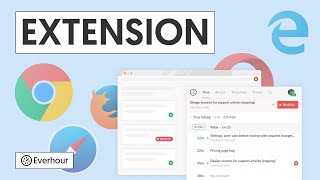
The browser extension embeds time tracking controls natively into Asana, Trello, ClickUp, Basecamp, Notion and more — no tab switching.
Learn how Everhour's Home section gives you a bird's-eye view of team activity, project progress, and key metrics.
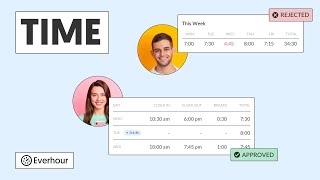
A walkthrough of Everhour's Time section — how to log time, view your timesheet, and manage time cards for your team.
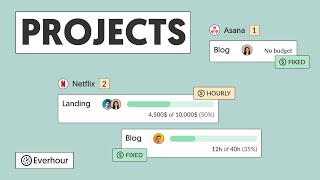
How Everhour's Projects section helps you find, manage, and monitor all your company's projects in one place.
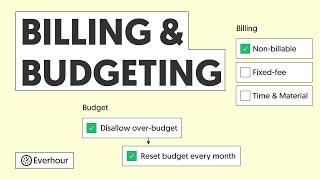
How to set up billing rates and project budgets in Everhour to track costs, profitability, and stay within scope.
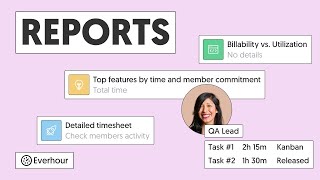
A deep dive into Everhour's Reports section — how to build, filter, group, and export custom time reports.
A tour of the Team section in Everhour — view current workload, approve time-offs, track attendance, and manage members.
A complete guide to Everhour's access control — admin, manager, and member roles, and what each can see and do.
How to set up SAML-based SSO in Everhour for seamless login via Google Workspace, Okta, LastPass, and other identity providers.
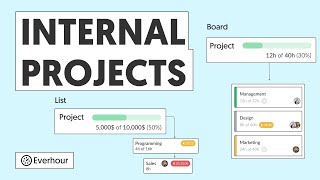
Learn how to create internal projects and tasks in Everhour for non-billable work, admin time, and overhead tracking.
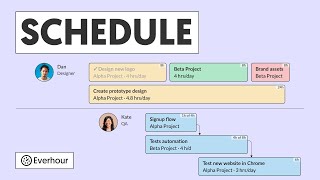
An overview of Everhour's Schedule section — how to set working days, hours, and plan team capacity.
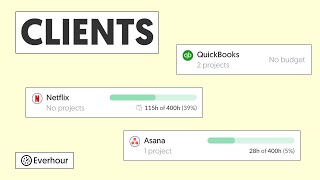
Learn how to manage clients in Everhour, organize projects by client, and issue invoices with billable time and expenses.
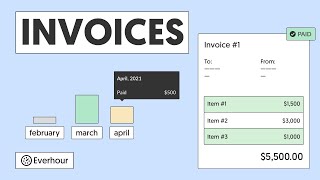
How to use Everhour's Invoices section to generate professional invoices from tracked time and expenses.
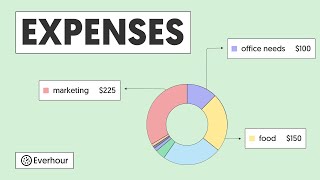
How to log project expenses in Everhour, see actual spend vs budget, and include expenses in client invoices.
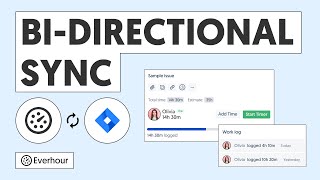
Step-by-step guide to enabling bi-directional sync between Everhour time entries and Jira's native work log.
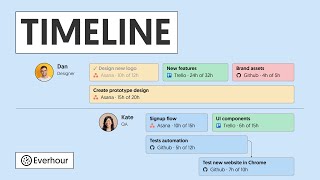
A deep dive into the Timeline app — how to sync assignments with project management tools, track workload, and monitor project progress.
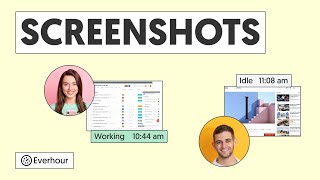
How Everhour's screenshot tracking feature works — capture periodic screenshots while the timer runs for activity proof.
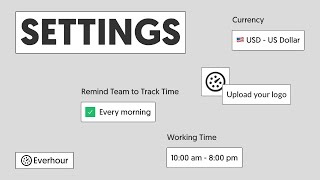
How to configure your Everhour workspace — team settings, profile preferences, working hours, and notification options.
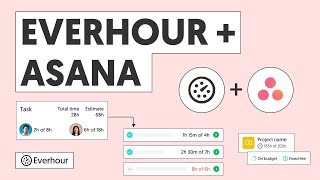
How to track time directly inside Asana with Everhour — timers on tasks, time totals, estimates, and project reports.
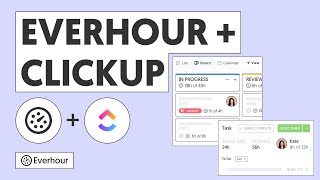
How to track time on ClickUp tasks with Everhour — timer controls, time totals, estimates, and reporting.
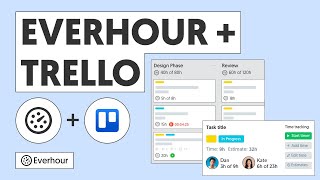
A step-by-step guide to tracking time on Trello cards with Everhour — Power-up setup, timer, estimates, and reports.
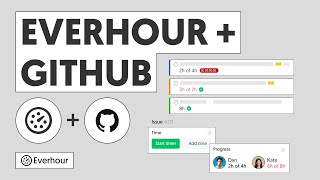
How to connect Everhour with GitHub to track time directly on your issues and pull requests.
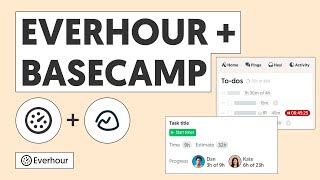
How to track time on Basecamp to-dos and projects with Everhour for accurate billing and project reporting.
How to track time on Monday.com items with Everhour — timer, totals, budget tracking, and time reports.
How to connect Everhour with Jira Cloud to track time on issues, add estimates, and generate detailed sprint reports.
Integrate Everhour with Notion to track time on your notes and pages, generate reports, and get accurate billing data.
How to connect Everhour with Xero and QuickBooks Online to sync clients, projects, and invoices for seamless accounting.
A guide to tracking time on Jira Server issues with Everhour — setup, controls, work log sync, and reports.
Connect Everhour with Todoist to start tracking time directly on your todos for accurate reporting and billing.
Connect Everhour with Deel to export approved time entries for accurate and timely contractor payments.
How to integrate Everhour with GitLab to track time on issues and merge requests for accurate project billing.
Track time directly within Airtable using the Everhour browser extension — a Start Timer button appears on every record.
Track design time in Figma without leaving your workspace — the Everhour extension adds a Start Timer button to every file.
Track time on Miro boards — workshops, design sprints, brainstorming sessions — without switching tabs.
Track time on HubSpot deals and tickets with a Start Timer button — know the real time cost of every account.
Track time on Zendesk tickets with Everhour to measure support team efficiency and bill clients accurately.
Track time on Salesforce opportunities and accounts — understand the true time cost of every deal.
Track time on Intercom conversations using Everhour to understand support costs per customer.
Track time on Help Scout conversations and mailboxes with Everhour for accurate support billing.
Track time on Freshdesk tickets using Everhour to measure and bill support time accurately.
Track time inside Coda documents with the Everhour browser extension — a Start Timer button appears on every doc.
Track design time in Canva — the Everhour browser extension adds a Start Timer button so you know exactly how long each project takes.
Learn how to use Asana for project management — create projects, assign tasks to team members, and track time with Everhour.
A beginner's guide to ClickUp — navigate the interface, manage tasks and projects, and integrate time tracking.
Master Trello boards and cards — organize tasks, collaborate with your team, and track time with Everhour.
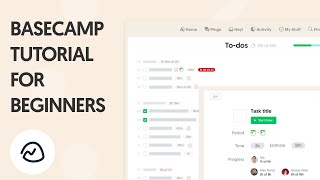
Get started with Basecamp — manage projects, collaborate on tasks, set up to-dos, and integrate time tracking.
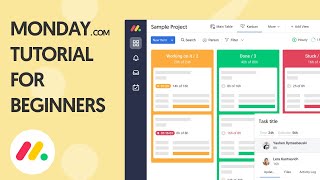
A comprehensive Monday.com walkthrough for beginners — boards, columns, automations, and time tracking with Everhour.
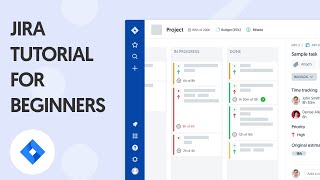
Learn how to use Jira for agile project management — sprints, issues, backlogs, and time tracking for your team.
The top Chrome extensions to supercharge your productivity — including time tracking, focus tools, and workflow automation.
A curated list of the best productivity apps for professionals — task management, time tracking, communication, and focus.
Learn how to manage employee schedules, track time, handle time off, and communicate effortlessly using Shifts by Everhour.
Track time, compare actuals vs estimates, and generate insightful reports — all from directly inside your Trello boards.
Everhour's free add-on makes time tracking in Jira effortless — track time, monitor progress, and generate easy-to-read reports.