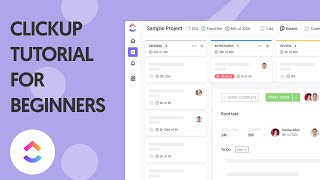
Everhour integrates natively with ClickUp, placing timer controls directly on every ClickUp task. Your spaces, folders, lists, and tasks sync automatically so there's nothing to configure manually.
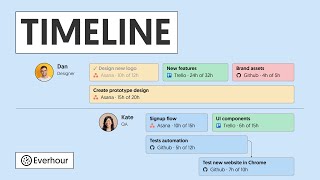
This video shows the complete flow: connecting Everhour, using the timer inside ClickUp, setting estimates, and generating project reports.
What's covered in this video
- Connecting Everhour to your ClickUp workspace
- How Everhour maps ClickUp spaces and lists to projects
- Using the browser extension timer overlay inside ClickUp tasks
- Adding time estimates and tracking remaining time
Key features shown
- Automatic sync of ClickUp hierarchy — spaces, folders, lists, tasks
- One-click timer start inside ClickUp task detail view
- Budget alerts when project time exceeds set thresholds