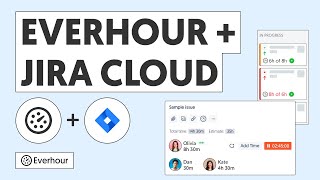
This video covers Everhour's integration with self-hosted Jira Server (also known as Jira Data Center). The setup differs slightly from Jira Cloud — instead of the Atlassian Marketplace, you connect using an API token from your Jira Server instance.
Once connected, the experience inside Jira is identical: a time tracking panel appears on every issue, and all time flows into Everhour's reporting engine.
What's covered in this video
- Generating a personal API token in Jira Server for Everhour authentication
- Connecting Everhour to your Jira Server instance URL
- Using the browser extension to show the timer panel inside Jira Server
- Enabling work log sync to push Everhour entries into Jira Server work logs
Key features shown
- API token authentication for secure Jira Server connection
- Same timer panel experience as Jira Cloud — no different workflow for the team
- Work log sync — Everhour entries appear as Jira work log records