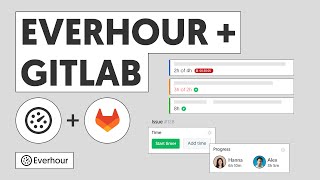
Everhour connects with Basecamp to bring time tracking directly into your Basecamp to-dos and projects. Once the browser extension is installed, a timer button appears on every to-do item — your team tracks time without leaving Basecamp.
This video covers the setup process, what gets synced, and how to use Everhour's reporting to understand time spent across all your Basecamp projects.
What's covered in this video
- Connecting Everhour to Basecamp 3 and selecting which projects to sync
- How Basecamp projects and to-do lists map to Everhour projects and sections
- Starting a timer on a Basecamp to-do with the browser extension
- Running a project report in Everhour filtered by Basecamp project
Key features shown
- Native timer controls embedded directly in Basecamp to-do items
- Automatic project and task sync from Basecamp to Everhour
- Billable vs non-billable time tracking for accurate client invoicing