


Skills Mapping: How to Identify and Map Team Skills

Skills mapping is the process of identifying the skills employees have, assessing their proficiency, and comparing their capabilities with what a team or organization needs. It gives managers a clearer picture of available expertise, skill gaps, and areas where the team depends on a small number of specialists.
A skills map can support decisions about project staffing, employee development, hiring, and workforce planning. Rather than relying on job titles or assumptions about who can do what, managers can use documented skills to match people to work and prepare for future requirements.
Why Is Skills Mapping Important?
Skills mapping helps organizations make better decisions about their people and capabilities. It can help managers:
- Staff projects more effectively: Identify employees with the expertise required for specific assignments.
- Spot skill gaps: Compare existing capabilities with current and anticipated business needs.
- Plan employee development: Find opportunities for training, mentoring, and practical experience.
- Reduce dependency on specialists: Identify critical skills held by only one or two people and develop backup expertise.
- Make informed hiring decisions: Determine whether a capability gap requires recruitment or can be addressed through internal development.
A skills map is most useful when it informs concrete decisions. A list of employee capabilities has limited value if managers don’t use it to guide staffing, development, or longer-term planning.
How to Create a Skills Map in 6 Steps
1. Define the purpose and scope
Start by deciding what you need the skills map to help you accomplish. A map designed to staff upcoming projects will focus on different capabilities than one intended to support career development or long-term workforce planning.
Determine which employees, teams, and skill categories to include. For a small team, a focused map of the capabilities needed for current projects may be enough. An organization-wide inventory may require a standardized framework across departments.
2. Identify the skills your team needs
List the capabilities required to deliver the team’s work, separating them into relevant categories where useful:
- Technical skills: Programming, data analysis, UX design, or cybersecurity.
- Functional skills: Project management, financial planning, quality assurance, or marketing strategy.
- Interpersonal skills: Communication, negotiation, collaboration, or conflict resolution.
- Leadership skills and expert power: Coaching, delegation, strategic planning, or people management.
Prioritize skills based on actual responsibilities and upcoming requirements rather than trying to document everything employees might know. A shorter, relevant list is easier to assess and maintain.
3. Assess employees’ current skills
Once you’ve defined the required capabilities, gather evidence of employees’ current proficiency. Self-assessments can reveal skills and interests that managers may not know about, but they shouldn’t be the only source of information.
Combine employee input with manager feedback, project experience, work samples, certifications, or practical assessments where appropriate. The goal is to understand what employees can demonstrate in practice, not simply what appears on their resumes during candidate screening.
Use consistent criteria for proficiency levels. For example, an employee who can perform a task independently should receive a different rating from someone who can only complete it with close guidance.
4. Build a skills matrix
Organize the results into a matrix that makes capabilities easy to compare. List employees in rows and skills in columns, then record each person’s proficiency using a shared rating scale.
A simple three-level scale might be:
- Beginner: Understands the basics but needs guidance.
- Intermediate: Completes typical tasks independently.
- Advanced: Handles complex work and can guide others.
Add a separate designation for skills that haven’t been assessed rather than treating missing information as a lack of ability. This helps distinguish genuine gaps from incomplete data.
5. Identify skill gaps and critical dependencies
Compare the skills your team currently has with those it needs. Look for capabilities that are missing, insufficiently developed, or concentrated among too few employees.
For example, if only one team member can maintain a critical reporting process, their absence could delay delivery. The gap may not be a complete lack of expertise; it may be a lack of backup coverage.
Prioritize gaps by their impact on project delivery and business goals. Not every beginner-level rating needs immediate action, particularly if the skill isn’t essential to upcoming work.
6. Turn the findings into an action plan
Use the map to decide what to do about the gaps you’ve identified. Depending on the situation, you might:
- Train existing employees in high-priority skills.
- Pair less experienced employees with specialists for mentoring.
- Assign projects that let employees practice new capabilities.
- Recruit when a skill is essential and cannot be developed quickly enough internally.
- Document processes and cross-train employees to reduce reliance on individual experts.
Assign responsibility for each action and set a review date. This turns the skills map from a static inventory into a tool for building the capabilities the team needs.
Skills Mapping Example: A Team Skills Matrix
A skills matrix makes it easier to compare employee capabilities and identify where a team needs additional expertise. For example, a product team might track skills across data analysis, project management, UX research, and reporting.
| Team member | Data analysis | Project management | UX research | Reporting |
|---|---|---|---|---|
| Alex | Advanced | Intermediate | Beginner | Advanced |
| Sam | Intermediate | Advanced | Advanced | Intermediate |
| Jordan | Beginner | Intermediate | Advanced | Beginner |
This matrix shows that the team has strong UX research and project management capabilities, but advanced reporting skills are concentrated in one person. If reporting becomes a priority, the manager could train another team member or arrange knowledge sharing to reduce that dependency.
The matrix should reflect the skills the team actually needs, not serve as a ranking of employees. Define proficiency levels consistently and update ratings as employees gain experience or take on new responsibilities.
Skills Mapping Methods and Tools
The best method depends on the team’s size, the number of skills being tracked, and how the information will be used.
- Skills matrices: Provide a straightforward overview of capabilities and proficiency across a team. Spreadsheets are often sufficient for small groups.
- Self-assessments: Help employees identify their strengths, interests, and development goals. Validate ratings against demonstrated experience where possible.
- Manager assessments: Add context from observed performance and project work, particularly when employees’ self-ratings vary.
- Practical assessments and work samples: Help verify proficiency for skills where demonstrated ability matters more than familiarity or formal qualifications.
- Skills management platforms: Support larger inventories, standardized core competencies frameworks, and workforce planning across departments.
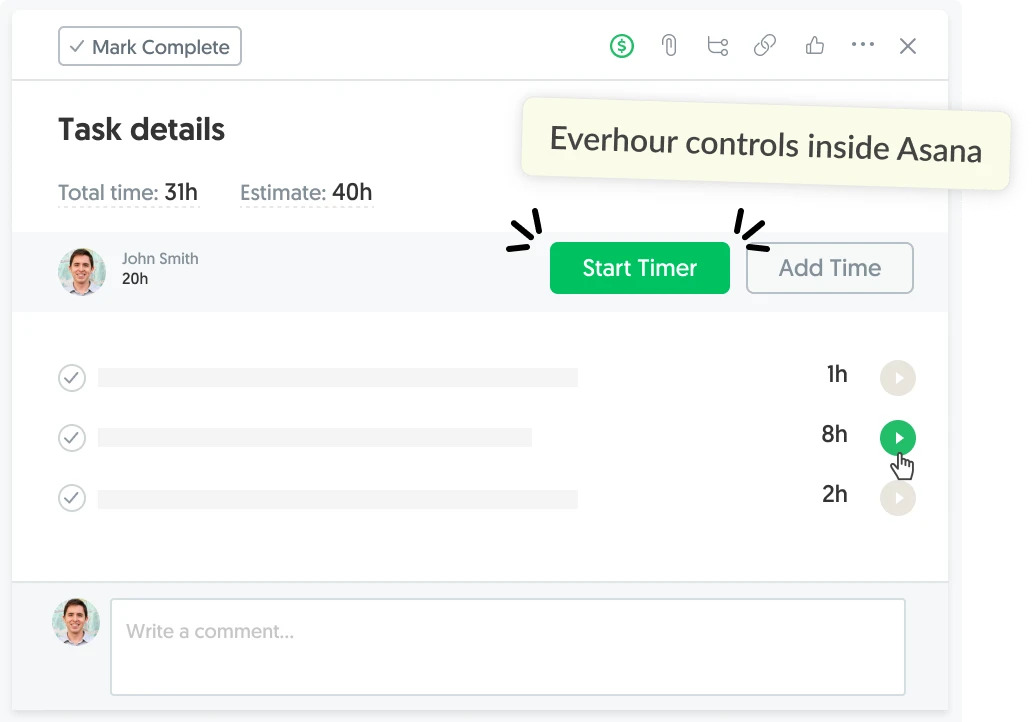
Time and project data can provide additional context. Everhour, for example, tracks time against tasks and projects in tools such as Asana, ClickUp, and Jira. This time tracker can help managers understand employees’ project experience and the work they’ve been involved in, but time records alone don’t establish skill proficiency.
Common Skills Mapping Mistakes
A skills map is only useful if its information is relevant, credible, and kept up to date. Avoid these common pitfalls:
- Tracking too many skills: An exhaustive inventory becomes difficult to assess and maintain. Focus on capabilities tied to team objectives.
- Relying only on self-assessments: Confidence and familiarity don’t always reflect demonstrated proficiency. Use multiple sources of evidence.
- Using vague rating scales: Without clear definitions, one manager’s “advanced” may be another’s “intermediate.”
- Confusing job titles with capabilities: People in similar roles can have different strengths, while employees may have valuable skills beyond their formal responsibilities.
- Treating gaps as performance failures: A missing skill may reflect limited opportunities to practice rather than an employee’s inability to learn.
- Letting the map become outdated: Skills change as employees gain experience and business needs evolve. Establish a review process rather than relying on a one-time assessment.
How Often Should You Update a Skills Map?
Review the map whenever team requirements or employee capabilities change significantly, for example, after a major project, a change in responsibilities, new training, or a shift in business priorities.
A quarterly or biannual review may work for teams with relatively stable responsibilities. Faster-changing teams may need more frequent updates to keep staffing and development decisions relevant.
You don’t need to reassess every skill at every review. Focus on critical capabilities, recently developed skills, and areas where the team has identified gaps or dependencies.
Frequently Asked Questions
Skills mapping is the process of identifying, assessing, and comparing capabilities with team requirements. A skills matrix is a format for organizing and visualizing that information.
Skills mapping documents existing capabilities and proficiency. Skills gap analysis compares those capabilities with the skills required to meet current or future goals, identifying where additional development or recruitment may be needed.
Use consistent proficiency criteria and combine self-assessments with manager feedback, relevant work samples, project experience, or practical assessments. The appropriate evidence depends on the skill being evaluated.
A basic matrix lists employees, relevant skills, and proficiency levels. Depending on its purpose, it may also include evidence of proficiency, development needs, assessment dates, or skills required for upcoming projects.
Yes. It helps organizations compare current capabilities with anticipated needs, identify critical skill shortages, and decide whether to train employees, recruit, or bring in external expertise.
Small teams can start with a spreadsheet. Larger organizations may benefit from dedicated skills management platforms that support competency frameworks, assessments, and workforce planning. The right tool depends on the scale of the inventory and how frequently it needs updating.
Conclusion
Skills mapping helps teams understand which capabilities they have, where expertise is missing, and what they need to develop next. Its value comes from using that information to guide staffing, training, and hiring decisions—not simply maintaining a list of employee skills.
Start with the capabilities most relevant to your team’s goals, assess proficiency consistently, and revisit the map as requirements change. A focused, regularly updated skills map is more useful than an exhaustive inventory that nobody uses.

Maria
A dedicated content enthusiast with extensive experience in international teams and projects of all sizes. Maria thrives on creativity and attention to detail, fueled by a love for fantasy novels, music, classic black-and-white films, and always finding ways to make things better.