


10 Best Linear Alternatives for Fast-Moving Teams in 2026

Linear project management app is built for software teams that value speed and simplicity. But it’s not the only game in town. If you’re looking for alternatives — whether due to pricing, feature gaps, or different workflows — this guide breaks down 10 of the best Linear alternatives for modern teams. Each tool offers unique capabilities that can suit different types of organizations, from scrappy startups to enterprise-scale development teams.
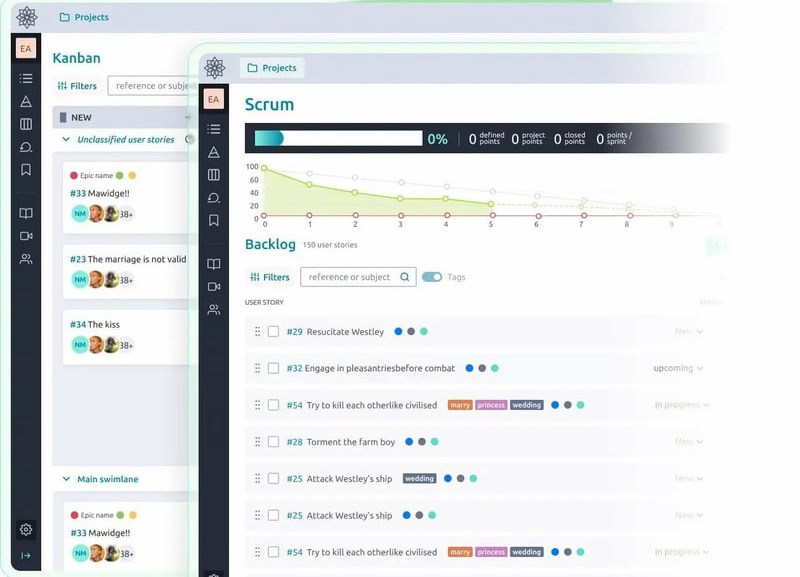
🧩 1. Taiga
🎯 Best for: Agile teams and startups seeking a lean, developer-friendly tool
🧰 Use cases: Scrum and Kanban boards, sprint planning, issue tracking
⚙️ Key features
- 🗂️ Epics, user stories, and issues
- 🔁 Scrum & Kanban support
- 🛠️ Custom workflows
- 🔗 GitHub/GitLab integrations
💸 Pricing: Free for up to 3 users; paid plans start at $5/user/month
🚀 Why it’s a Linear alternative: Taiga offers a lightweight, intuitive interface for agile teams who want to avoid bloated PM tools. With strong Git integrations and support for both Scrum and Kanban, it’s ideal for devs who value clarity and velocity.
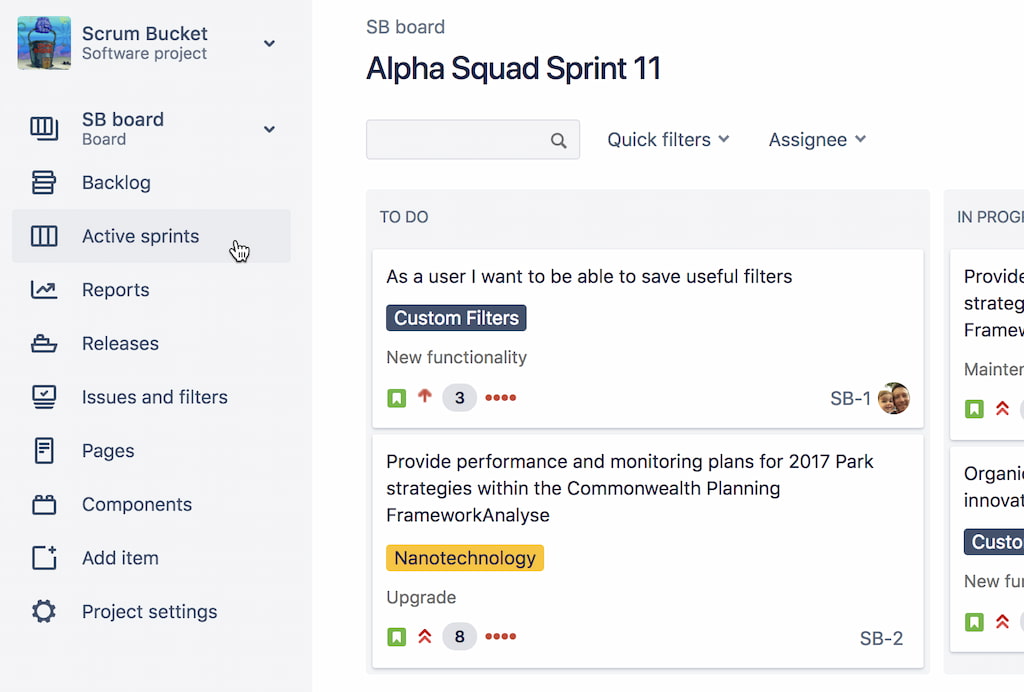
🧠 2. Jira
🎯 Best for: Enterprise engineering teams
🧰 Use cases: Agile sprint planning, issue tracking, compliance-heavy environments
⚙️ Key features:
- 🔧 Custom workflows
- 🧵 Epics and stories
- 🤖 Automation rules
- 📊 Advanced reporting
💸 Pricing: Free for up to 10 users; paid plans start at $8.15/user/month
🚀 Why it’s a Linear alternative: Robust customization, scalability, and regulatory support. Ideal for large dev teams that need structure, traceability, and layered user permissions.
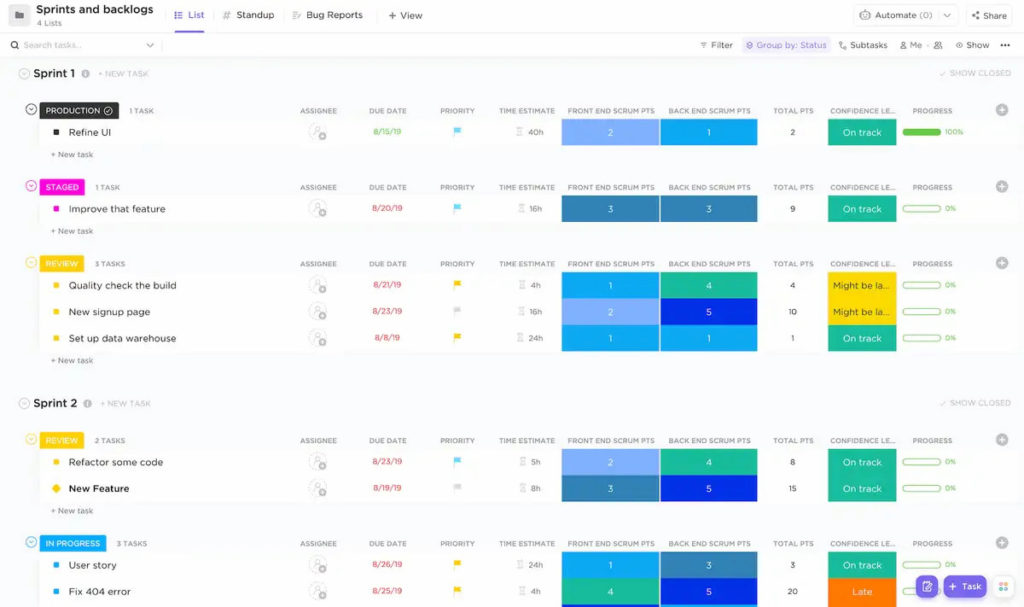
🛠️ 3. ClickUp
🎯 Best for: Customizable views and task types
🧰 Use cases: Cross-department collaboration, OKRs, resource management
⚙️ Key features:
- 📄 Docs
- 🏃♂️ Sprints
- ⏱️ Time tracking
- 📊 Dashboards
- 🎯 Goals
💸 Pricing: Free plan; paid plans start at $7/user/month
🚀 Why it’s a Linear alternative: Combines project management, documentation, and analytics in one ecosystem. Offers extensive customization for workflows, reporting, and integrations — suitable for teams scaling quickly.
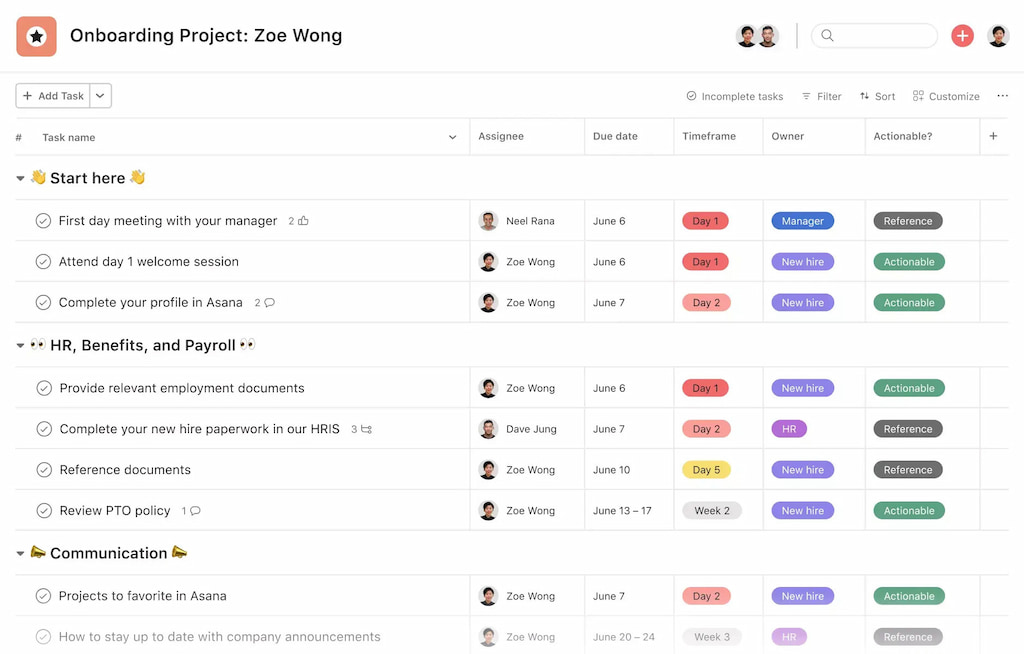
💬 4. Asana
🎯 Best for: Project visibility and automation
🧰 Use cases: Product launches, campaign planning, operations
⚙️ Key features:
- 📅 Timelines
- ⚖️ Workload views
- 🤖 Automation
- 🔗 Asana integrations
💸 Pricing: Free for small teams; paid plans start at $10.99/user/month
🚀 Why it’s a Linear alternative: Fast UI and robust third-party integrations. Excellent for operations or marketing teams who want clear visual overviews and goal tracking.
Learn more in our breakdown of Linear vs Asana!
🔧 5. Shortcut (formerly Clubhouse)
🎯 Best for: Agile software teams
🧰 Use cases: Sprint cycles, bug tracking, engineering velocity tracking
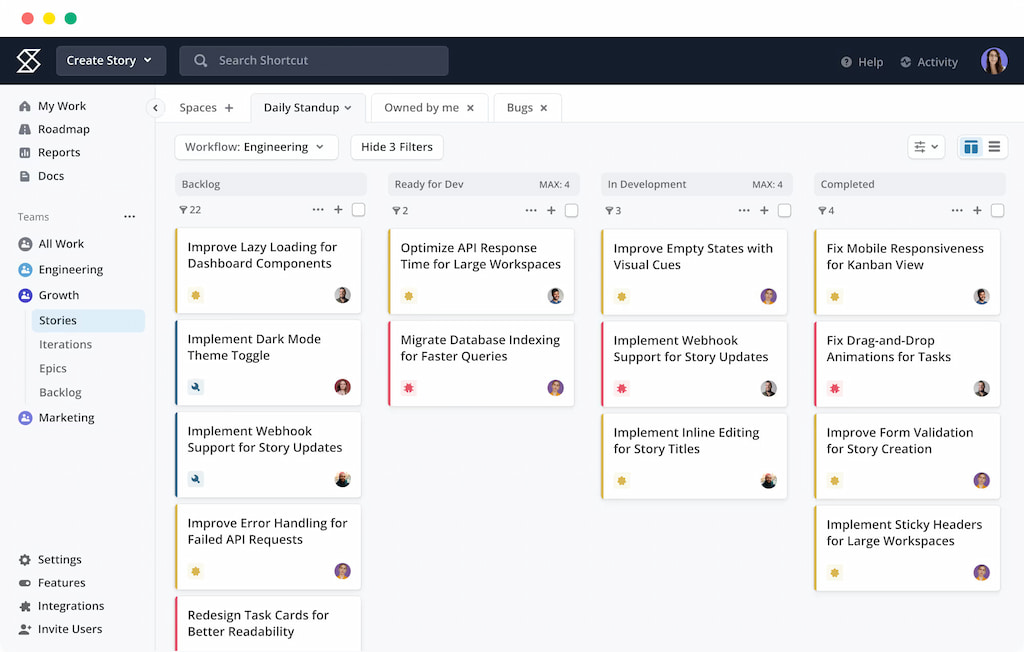
⚙️ Key features:
- 🔄 Iterations
- 🎯 Milestones
- 🐙 GitHub integration
- 📋 Kanban boards
💸 Pricing: Free for teams up to 10; paid plans from $8.50/user/month
🚀 Why it’s a Linear alternative: Designed specifically for software developers with native support for agile frameworks. Lightweight yet powerful for velocity-oriented teams.
✨ 6. Trello
🎯 Best for: Simple, visual project management
🧰 Use cases: Content calendars, personal task tracking, lightweight team planning
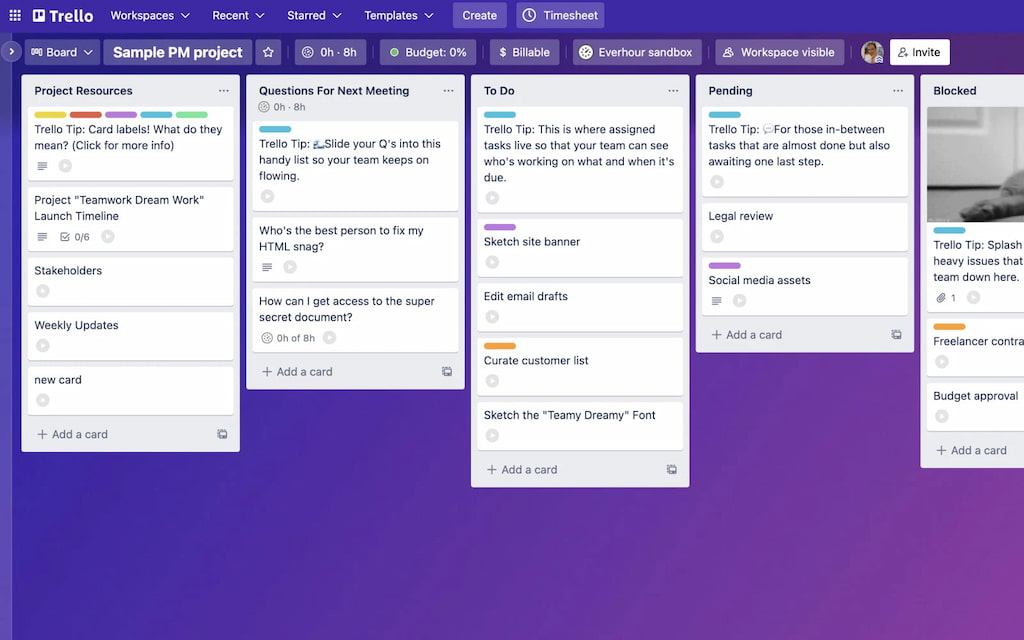
⚙️ Key features
- 📋 Kanban boards
- 🧩 Trello Power-Ups
- 🤖 Butler automation
- 📄 Trello templates
💸 Pricing: Free plan; paid tiers from $5/user/month
🚀 Why it’s a Linear alternative: Great for visual thinkers and small teams. Trello emphasizes simplicity while still offering integrations and automation for scalable use.
🔄 7. Notion
🎯 Best for: All-in-one docs and project hubs
🧰 Use cases: Internal wikis, project docs, simple task boards
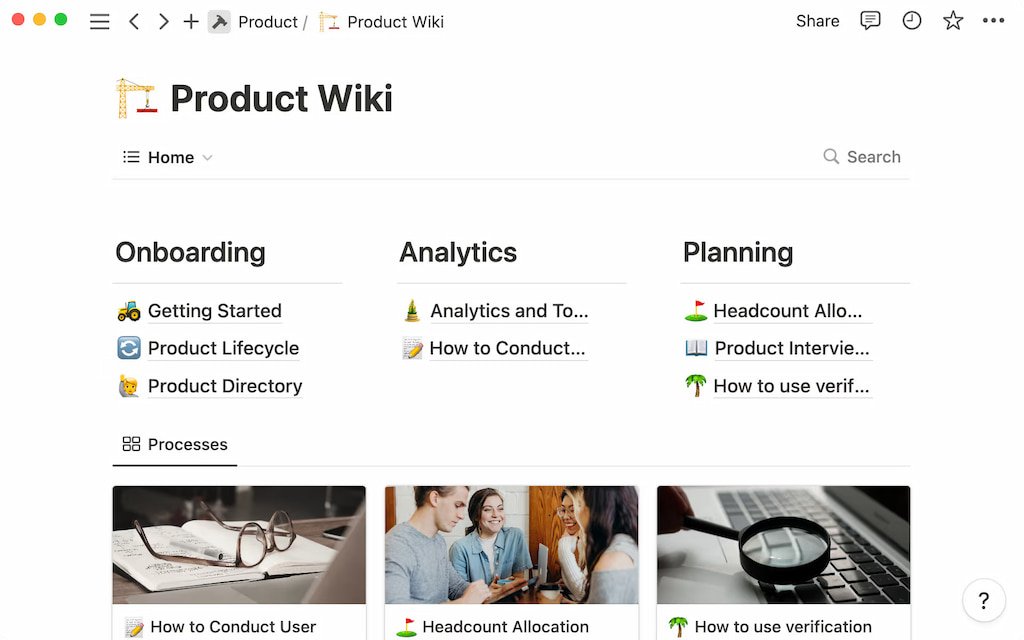
⚙️ Key features
- 📚 Databases
- 📋 Boards
- 📎 Embeds
- 📂 Page nesting
- 📝 Notion templates
💸 Pricing: Free for personal use; $8/user/month for teams
🚀 Why it’s a Linear alternative: Merges notes and project tracking. While less structured for sprint-based work, it excels as a flexible platform for startups and content-driven teams.
📈 8. Wrike
🎯 Best for: Enterprise-level teams and operations
🧰 Use cases: Marketing campaigns, complex workflows, reporting
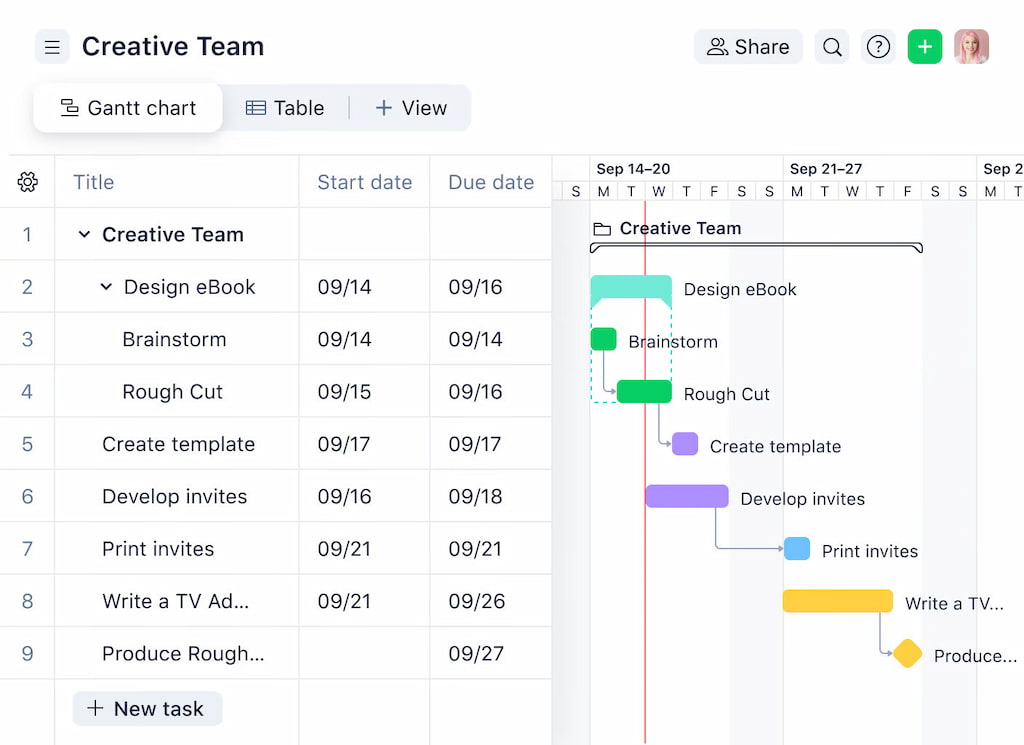
⚙️ Key features
- 📊 Gantt charts
- ⏱️ Time tracking
- 📈 Reports
- 🏷️ Cross-tagging
- 📨 Request forms
💸 Pricing: Free basic tier; paid plans from $9.80/user/month
🚀 Why it’s a Linear alternative: Offers high-level visibility, process mapping, and team accountability. A better fit for large organizations with multilayered workflows.
⚙️ 9. GitHub Projects
🎯 Best for: GitHub-native development teams
🧰 Use cases: Issue tracking, sprint planning, backlog grooming
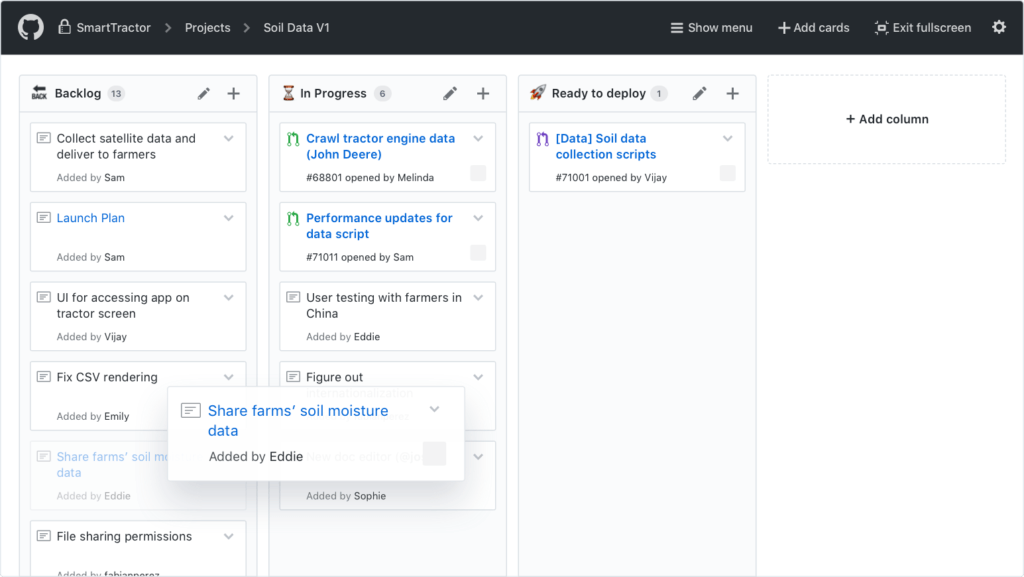
⚙️ Key features
- 🧩 Boards
- 🏷️ Custom fields
- 🤖 Automation
- 📝 Markdown support
💸 Pricing: Free for public repos; Team plans from $4/user/month
🚀 Why it’s a Linear alternative: Deeply integrated into dev workflows. Lightweight, dev-focused, and ideal for teams who already rely on GitHub as their source of truth.
📦 10. Basecamp
🎯 Best for: Async communication and task tracking
🧰 Use cases: Client-facing teams, startups, simple team coordination
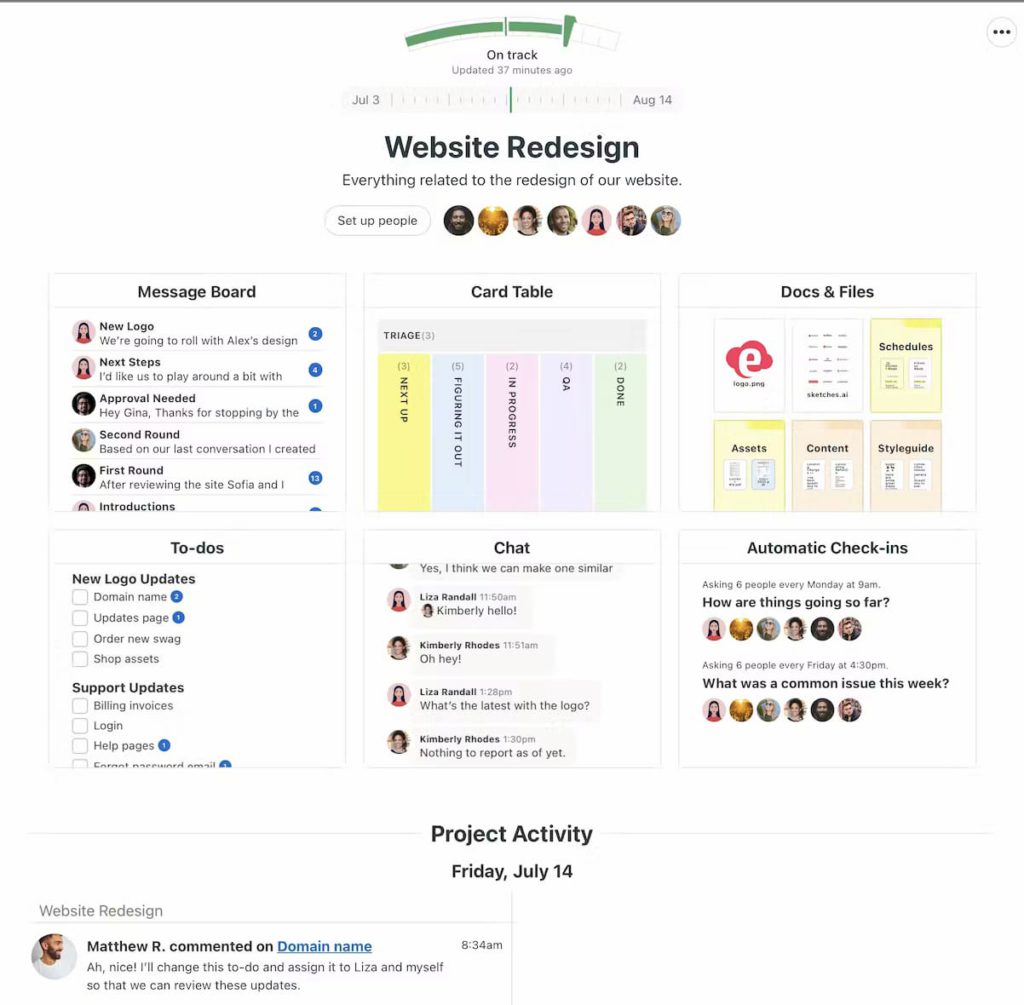
⚙️ Key features
- 💬 Message boards
- ✅ To-dos
- 📅 Schedules
- 📁 File sharing
💸 Pricing: Flat $15/user/month or $299/month for unlimited users
🚀 Why it’s a Linear alternative: Prioritizes communication and clarity over rigid structure. Asynchronous-friendly and ideal for lean remote teams.
⏱️ Time Tracking with Everhour
No matter which Linear alternative you go with, having a time tracker is key for visibility, reporting, and smarter decisions.
Everhour integrates seamlessly with tools like ClickUp, Asana, GitHub, and Notion, allowing you to track time, manage budgets, and analyze team workloads — all within your workflow. You can also set up Linear time tracking easily.
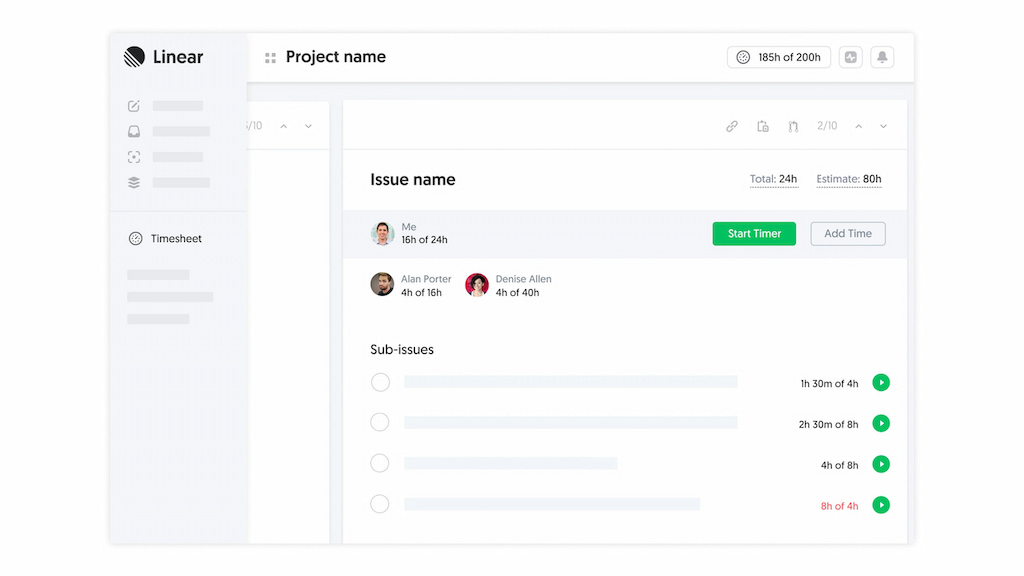
With Everhour, you can:
- ⏱️ Track time directly on tasks without switching tabs
- 📊 Automate time reports for invoicing
- ✅ Boost accountability across your team
- 💰 Monitor budgets and avoid scope creep
🔎 Discover what real users have to say about Everhour:
“The only time tracking tool that doesn’t drain my time! Simple really is best for reducing cognitive load – Everhour gets that. It not only tracks my time it respects it.” [Kelsey, G2]
“The simplicity. It is straightforward to use and has a lot of integrations. Their support is very reactive.” [Thijs, Capterra]
“Easy to use, for clocking and to see how many hours worked.” [Faigy, Capterra]
Whether you’re a dev team tracking sprint velocity or a marketing team managing client hours — Everhour makes every minute count.
🔎 Final Thoughts
Linear isn’t the only project management tool built for speed. Whether you’re scaling your startup, running product sprints, or managing cross-functional teams, one of these Linear alternatives could be a better fit for your needs. With features tailored to dev-first or multi-department teams, there’s no shortage of flexible and affordable options.
And when you pair any of them with Everhour for precise time tracking, you unlock even deeper visibility into team performance and project ROI.
For more tools and comparisons, explore our full guides on time tracking, resource planning, and project management software, including our thorough article on the Linear app.

Maria
A dedicated content enthusiast with extensive experience in international teams and projects of all sizes. Maria thrives on creativity and attention to detail, fueled by a love for fantasy novels, music, classic black-and-white films, and always finding ways to make things better.