


Wrike AI: Features, Benefits, and Limitations for Teams
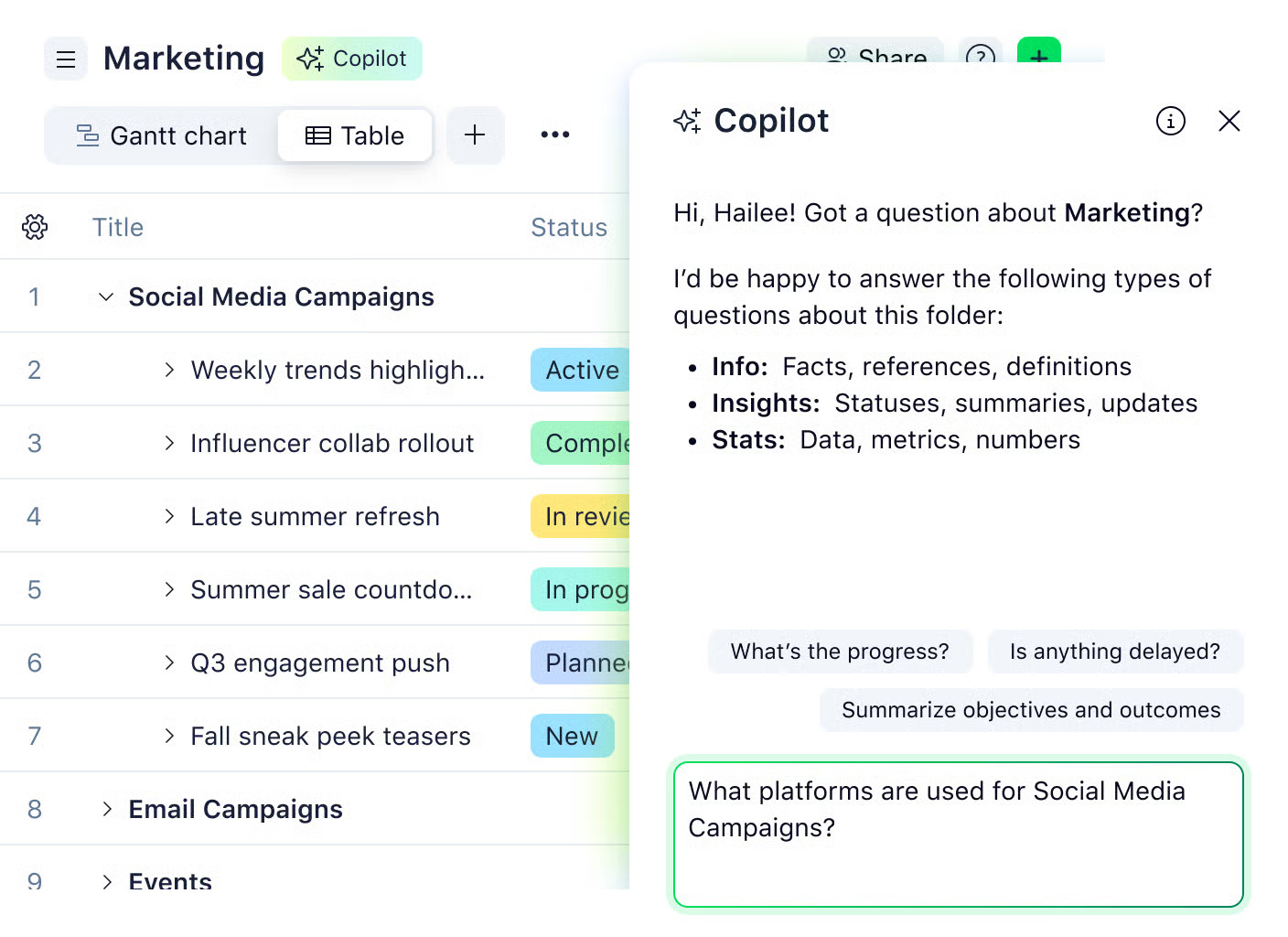
Wrike AI brings automation and intelligence into everyday work management, helping teams plan faster, stay aligned, and reduce manual effort. Instead of replacing how teams work, it enhances existing workflows by summarizing activity, suggesting next steps, and making setup easier across projects and products.
For teams managing complex work with multiple stakeholders, Wrike AI supports clearer planning, better visibility, and quicker decisions. In this article, we’ll look at what Wrike AI does, how teams actually use it, where its limits show up, and how integrations help fill the gaps as work scales.
❓ What is Wrike AI?
Wrike AI is a set of intelligent tools built directly into the Wrike platform to help teams work faster and smarter. It’s designed to automate repetitive tasks, provide insights, and assist with planning, all without changing the way teams already organize their work.
AI Essentials vs AI Elite
- Essentials offers core features such as text summarization, task suggestions, and content generation for basic project management needs.
- Elite unlocks more advanced capabilities, including natural language form generation, enhanced analytics, and AI-assisted planning for complex workflows.
How AI works inside Wrike
- Tasks – AI can help summarize task details, suggest assignees, or propose deadlines.
- Projects – Wrike AI identifies patterns across projects, highlights risks, and recommends prioritization.
- Workflows – AI can suggest workflow updates, flag bottlenecks, or propose automations to keep tasks moving smoothly.
🔧 Key Features of Wrike AI
Wrike AI brings intelligent assistance directly into your project management workflow, helping teams work faster, stay on track, and reduce manual overhead.
Task assistance
- Automatically generate task descriptions, summaries, and detailed checklists, saving time when creating repetitive tasks.
- Suggest deadlines or assign tasks based on team availability, past performance, or workload patterns.
- Flag missing details or incomplete information so tasks are ready to start without delays.
Project insights
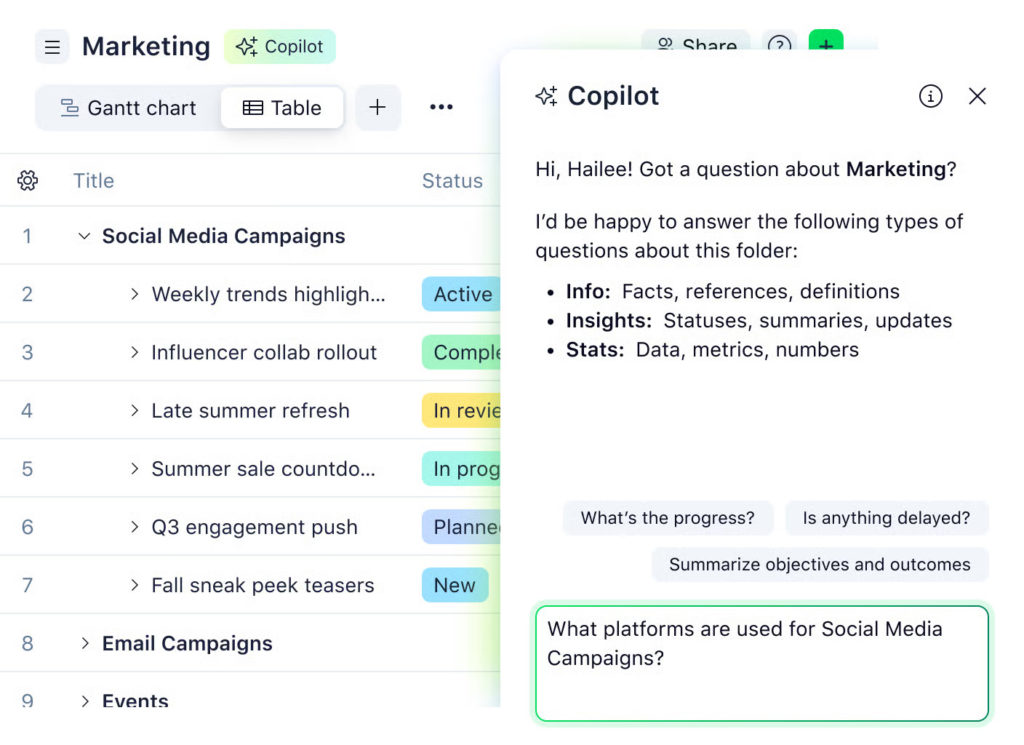
- Identify potential bottlenecks across projects and highlight tasks that may cause delays.
- Track dependencies and alert teams when changes in one task could impact others.
- Recommend priorities based on project deadlines, workload balance, and historical trends.
Workflow optimization
- Suggest automation rules to streamline approvals, status updates, or task assignments.
- Analyze workflow patterns to detect inefficiencies and offer actionable improvements.
- Help reduce miscommunication by automatically recommending handoffs to the right team member.
Content generation
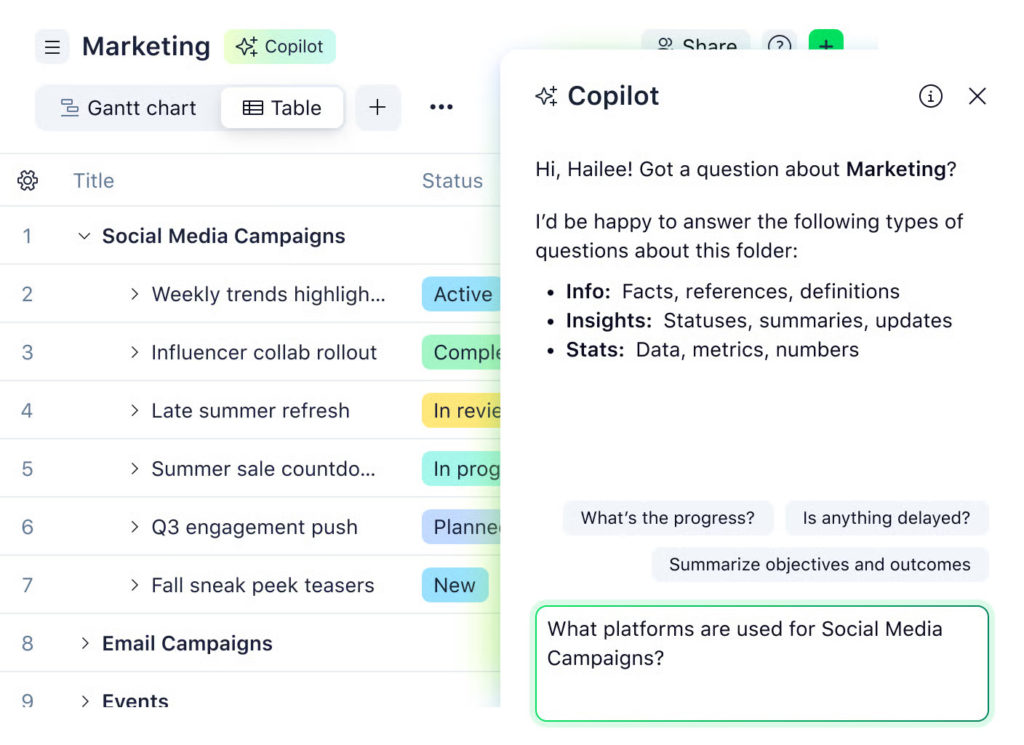
- Draft emails, task notes, project briefs, or updates with AI-powered suggestions.
- Summarize long task comments or project updates into concise summaries for faster review.
- Provide templates for recurring tasks, meetings, or reports to save setup time.
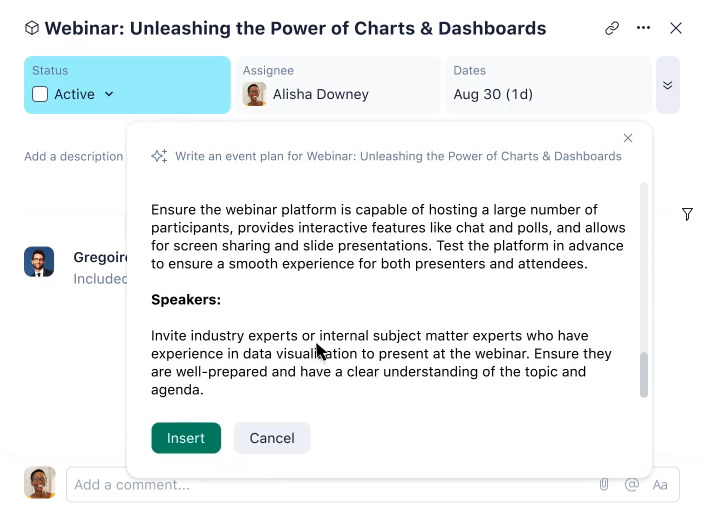
AI Tiers: Essentials vs Elite
- Essentials provides basic text generation and task suggestions, ideal for small teams or straightforward workflows.
- Elite adds advanced insights, automated workflow recommendations, and cross-project intelligence, suited for large teams or complex projects.
📃 Wrike AI for Planning and Reporting
📊 AI-assisted dashboards and insights
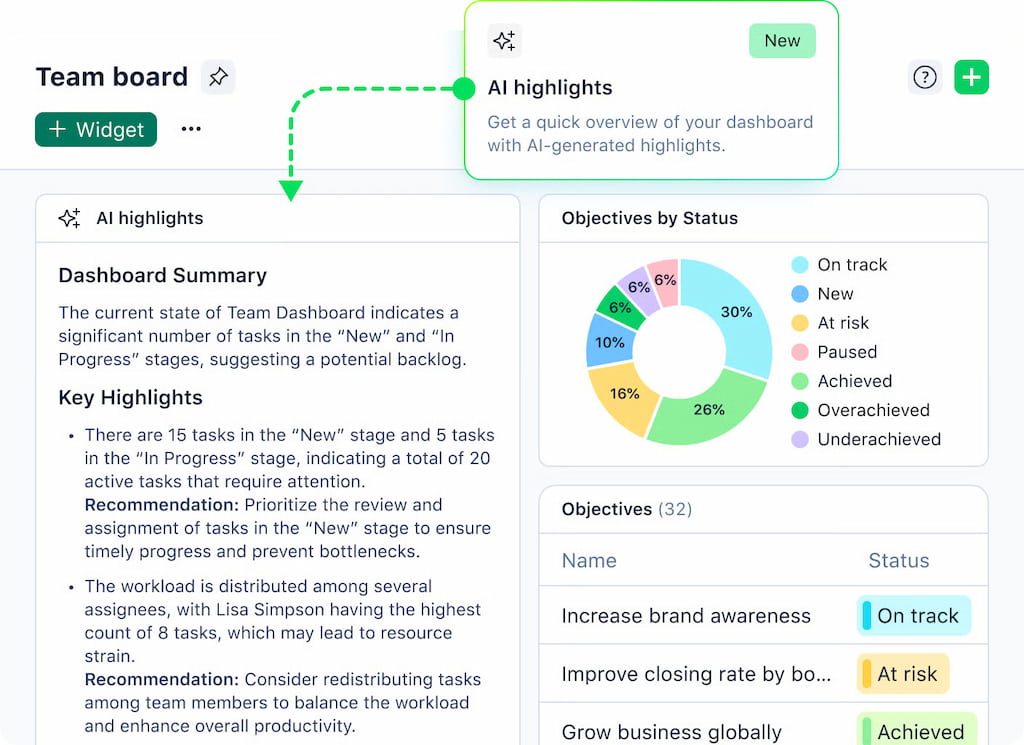
Wrike AI can automatically analyze project data and highlight important trends. It generates dashboards that summarize task progress, workload, and upcoming deadlines, making it easier for managers to see which projects are on track and which need attention. Instead of manually combing through tasks, teams get a high-level view instantly.
⚠️ Spotting bottlenecks and overdue work
The AI identifies tasks that may cause delays, highlights dependencies at risk, and flags overdue items. This helps teams act before small delays turn into bigger problems. By predicting where bottlenecks might appear, Wrike AI supports proactive planning and keeps projects moving smoothly.
⏱️ Limits of AI reporting without time and cost data
While AI can provide insights on task progress and workflow efficiency, it can’t fully analyze effort or budget without detailed time and cost tracking. Teams that want complete visibility need integrations like Wrike time tracking integration, which provide the missing data for accurate resource planning and financial reporting.
Using Wrike AI alongside proper tracking tools gives teams a clear view of project performance and helps them make smarter decisions faster.
⚠️ Limitations of Wrike AI
Manual setup is still required
Wrike AI can automate summaries, suggestions, and insights, but teams still need to configure projects, tasks, and workflows. It doesn’t automatically know your priorities, dependencies, or unique business rules—you still need to set those up manually.
Gaps in effort, time, and budget visibility
AI can analyze task completion and workflow efficiency, but it can’t fully track how much time or effort each task consumes, nor can it manage budgets. Without proper time and cost tracking, predictions and recommendations remain incomplete.
AI doesn’t replace proper tracking tools
Wrike is a productivity booster, not a replacement for robust tracking. For full visibility, a time tracker like Everhour or other Wrike time tracking tools are essential. They feed AI the data it needs to provide actionable insights on project performance, resource allocation, and costs.
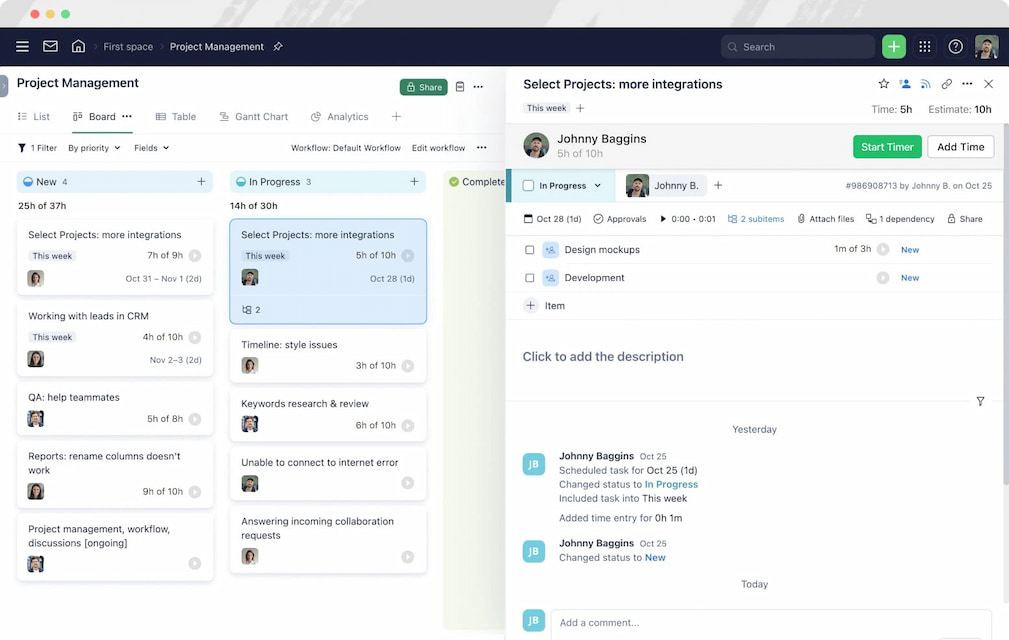
Learn more in our Wrike vs Everhour comparison!
🔌 Extending Wrike AI With Integrations
Wrike AI is powerful, but it works best when it has access to complete project data. Using Wrike integrations fills gaps AI can’t cover on its own, giving teams deeper insights and more actionable recommendations.
Integrations like Everhour let teams log hours directly inside Wrike tasks. AI can then analyze not just task completion, but the actual effort spent, helping identify bottlenecks, underutilized resources, or potential delays.
Connected tools provide detailed metrics on time, costs, and budgets. Wrike AI can use this data to generate smarter dashboards, predict risks, and suggest priorities—turning raw numbers into actionable insights.
▶ A product team might use Wrike AI to flag overdue tasks or suggest next priorities, while Everhour provides the exact time spent per task. Together, they give managers a complete picture of performance and resource allocation without switching between multiple tools.
🤖 Wrike AI vs Other AI Project Tools
As AI features become more common in work tools, teams often compare Wrike AI with built‑in AI from other platforms. While each tool brings its own strengths, they differ in purpose, focus, and practical use cases.
🧠 Wrike AI
Wrike AI works inside a full work management platform, helping teams with task summaries, project insights, workflow recommendations, and natural language inputs. It’s built to support structured work across teams, not just a single function.
Best for:
- cross‑functional teams (product, marketing, operations)
- real‑time project visibility
- summarizing updates and suggesting next steps
⚙️ Jira AI
Jira AI focuses primarily on software development workflows, giving teams insights related to issues, backlogs, sprint health, and developer velocity.
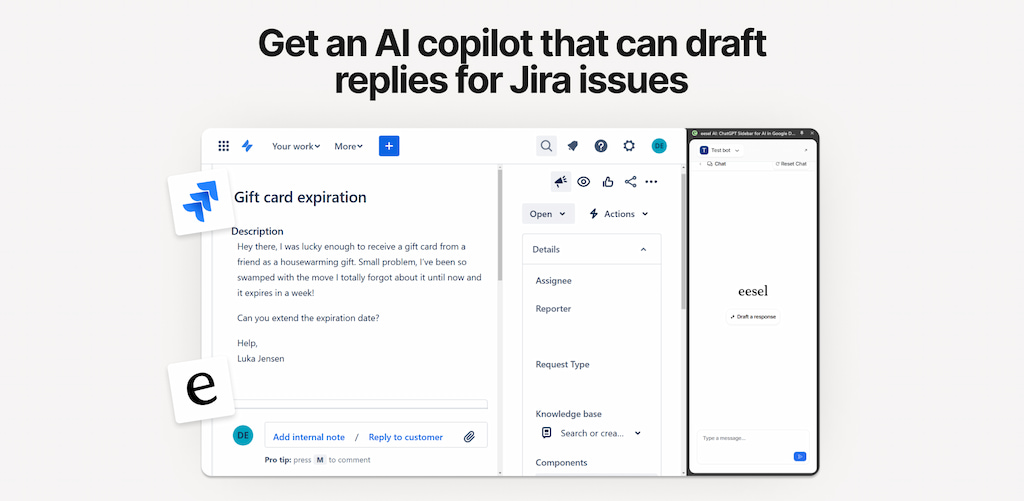
Typical focus:
- prioritizing issues in a backlog
- suggesting next tasks in sprints
- surfacing risks in development cycles
Jira AI is powerful for engineering teams, but its insights are most useful within development contexts rather than broad project planning.
📋 Asana AI
Asana’s AI assists with task creation, writing suggestions, and work summaries across collaborative work. It’s geared toward general task management and team productivity.
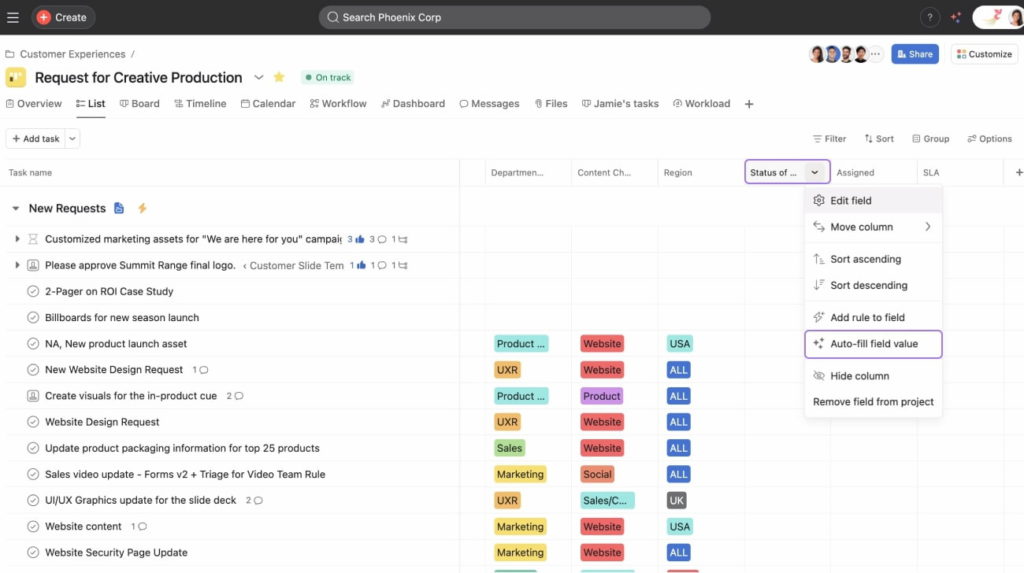
Strengths:
- simple, natural language task creation
- autogenerated suggested work breakdowns
- summary insights inside the tool
But Asana AI tends to focus more on individual task drafting and summaries than deeper project‑level forecasting.
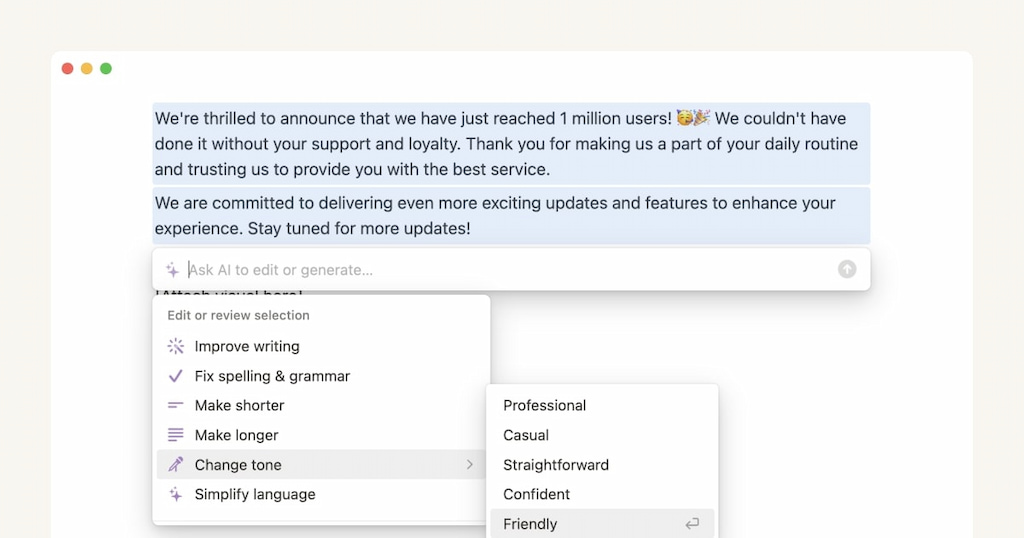
🧩 Notion AI
Notion AI works inside a flexible workspace, helping with content generation, notes, and documentation. It’s strong for knowledge work, but less focused on formal project tracking.
Typical use cases:
- drafting pages and documentation
- summarizing meeting notes
- generating ideas and content blocks
Notion AI isn’t built to manage workflows, dependencies, or delivery outcomes in the same way Wrike or Jira are.
Wrike AI brings broader execution visibility and workflow support across teams. Jira AI excels in development contexts, Asana AI boosts task‑level productivity, and Notion AI supports content and knowledge work.
🧐 Is Wrike AI Right for Your Team?
Wrike AI can be a big help for teams—but it works best in specific situations.
When Wrike AI adds real value
- Your team needs task summaries, workflow guidance, and natural language task creation.
- You want cross-team visibility on projects without manually digging through updates.
- You want help spotting risks, delays, and bottlenecks early.
When teams need integrations to fill gaps
- Time, effort, and cost tracking is important for your reporting.
- You need detailed dashboards and analytics beyond what native AI offers.
- Integrations like Everhour can plug these gaps, letting AI insights reflect real execution data.
📝 Quick decision checklist
- Are your projects complex or cross-functional?
- Do you need real-time visibility across teams?
- Do you already have tools for time tracking, budgeting, and reporting?
- If yes, Wrike AI can enhance your workflow. If no, consider pairing it with the right integrations.
📌 Conclusion
Wrike helps teams work smarter, not harder, offering summaries, workflow guidance, and natural language support. It’s strongest when projects involve multiple teams and dependencies.
However, AI alone won’t solve gaps in time, effort, and cost visibility. That’s where integrations like Everhour come in. By combining Wrike AI with the right tools, teams can get both intelligent insights and actionable data, making execution more visible and projects easier to manage.

Maria
A dedicated content enthusiast with extensive experience in international teams and projects of all sizes. Maria thrives on creativity and attention to detail, fueled by a love for fantasy novels, music, classic black-and-white films, and always finding ways to make things better.